

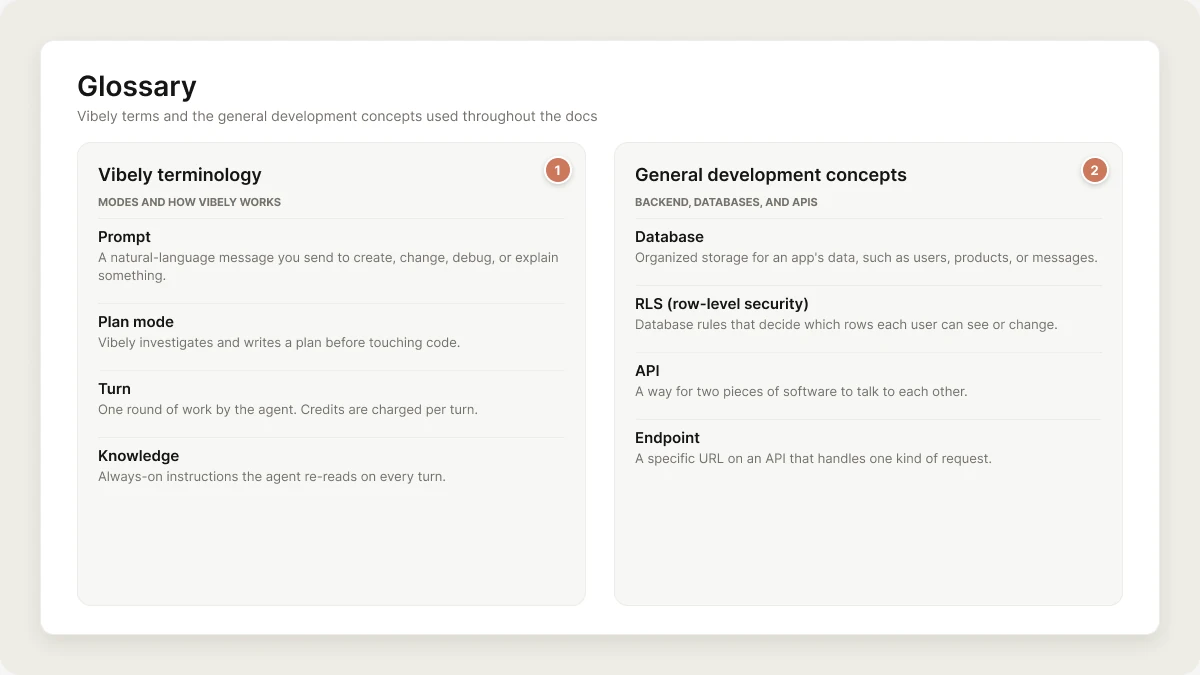
- Vibely terminology covers terms specific to Vibely, its features, and how it works.
- General development concepts covers web, mobile, and backend terms that aren’t Vibely-specific but come up often in the docs.
Vibely terminology
Modes and how Vibely works
- Prompt: A natural-language message you send to Vibely to create, change, debug, or explain something in your app.
- Build mode: The default mode. Vibely makes the changes you ask for directly. If your message is a pure question, Vibely answers it without changing code.
- Plan mode: Vibely investigates and writes a plan before touching code. You approve the plan to build it, or ask for changes. Turned on with the Plan mode toggle next to the send button.
- Follow-up: A message you send while Vibely is still working. It is queued and runs when the current turn finishes.
- Turn: One round of work by the agent in response to a message. Credits are charged per turn.
- Try to fix: The button on an error card in the chat. It runs a repair turn that doesn’t cost credits.
- Subagents: Read-only research agents the main agent hands bounded investigations to, so it can keep working.
- Knowledge: Always-on instructions the agent re-reads on every turn. Set at the workspace level or per project.
- Skills: Reusable workspace playbooks the agent loads on demand or when one of their triggers matches.
- Cross-project referencing: Pointing the agent at another project in your workspace so it can reuse its code or approach.
Workspace, projects, and people
- Account: Your personal identity on Vibely. One account can belong to many workspaces.
- Workspace: Where a team builds together. It holds projects, members, billing, settings, and a shared pool of credits.
- Project: One app, with its own code, chat, preview, version history, and settings. Every project belongs to one workspace.
- Web project: A project that builds a React web app you publish to a URL.
- Mobile project: A project that builds a native iOS and Android app with Expo. Requires a Pro plan or higher.
- Roles: Owner, Admin, Editor, and Viewer. Each role sets what a member can do in the workspace. See Collaboration.
- External collaborator: Someone outside the workspace who has been invited to a specific project.
- Restricted project: A project only its owner and invited people can open, even inside the workspace. Business plan.
- Groups: Named sets of workspace members, used to control who can open a published app. Business plan.
Building and editing
- Editor: The screen where you work on a project, with the project chat on one side and the preview or code on the other.
- Project chat: Where you talk to Vibely about a project.
- Composer: The message box in the project chat, with the + menu for attachments, skills, connectors, and web search.
- Preview: The live, interactive version of your app inside the editor. It updates as Vibely builds.
- Code editor: The Code tab, where you browse and edit the project’s files.
- Visual edits: Changing an element by clicking it in the preview, turned on with Edits in the composer.
- Comments: Feedback pinned to a spot in the preview, discussed in a thread, and sent to Vibely to fix.
- Version history: The saved versions of your project. You can restore any of them.
- Remix: Making an independent copy of a project that you can change freely.
- Template: A working app you start a new project from.
- Design system: A reusable palette, type scale, component set, and rules shared across projects.
- Sandbox: The isolated cloud machine where each project’s code builds and runs.
Publishing and hosting
- Publish: Deploying your app to a live URL. The live site is a snapshot: later changes go live only when you publish again.
- Unpublished changes: Changes in the preview that aren’t on the live site yet. Select Update in the publish panel to push them live.
- Website access: Who can see a published app, set under Who can see this website when you publish.
vibelyagent.comaddress: The free address every published web app gets, on every plan. See Hosting.- Custom domain: A domain you own, pointed at your published app. Pro plan or higher.
- Branded workspace URLs: A workspace-wide address pattern for every published app. Business plan.
Mobile
- Expo Go: The phone app you use to open a mobile project’s live preview on a real device.
- EAS build: A native iOS (
.ipa) or Android (.aab) build of a mobile project, made on Expo Application Services. - Store submission: Sending a finished build to TestFlight or Google Play from the editor.
Backend and secrets
- Supabase: The backend Vibely connects your projects to, in your own Supabase account: a Postgres database, authentication, storage, and edge functions.
- Secrets: Encrypted values such as API keys, stored per project and available to the running app. Never returned in plain text.
- Build secrets: Encrypted workspace values available only while a project installs and builds, such as an npm token. Enterprise plan.
- Managed registry: A private npm registry inside your workspace. Enterprise plan.
Security
- Security view: A project’s scan results, where you fix findings from chat.
- Security center: The workspace-wide view of security posture, identity status, audit activity, and scheduled scans. Business plan.
- Workspace insights: A ranking of workspace projects by how urgently they need a security review. Business plan.
- Publish gate: A workspace setting that blocks publishing when a scan reports critical issues.
Integrations
- Connector: A connection to an outside service, such as Stripe, GitHub, Notion, or Linear, that your app or the agent can use.
- Custom MCP server: Your own MCP server, added so the agent can call its tools while it builds.
- Vibely MCP server: The server that lets AI assistants such as Claude, ChatGPT, and Cursor work in your Vibely account.
- Vibely AI: Built-in AI for the apps you build, such as chat, summaries, images, and speech, without you holding a provider API key.
- Git sync: Keeping a project in step with a GitHub repository.
Plans, credits, and billing
- Credits: Vibely’s unit of AI spend. Agent turns use credits; publishing, hosting, and preview time don’t.
- Daily credits: Free credits every plan gets each day. They refill at 00:00 UTC, don’t carry over, and are spent first.
- Monthly grant: The credits your plan adds to the workspace each billing cycle.
- Rollover: Unused monthly credits carried into the next cycle on paid plans, spent after daily credits and before the new grant.
- Top-up: Extra credits bought separately from your subscription, once or with auto top-up. They’re spent last, aren’t reset when your plan renews, and expire 12 months after your workspace’s most recent top-up.
- Usage limits and alerts: Workspace settings that cap spending and warn you before credits run out.
- Plans: Free, Pro, and Business are self-serve. Enterprise is set on a signed Order.
General development concepts
Frontend and UI
- Frontend: The part of an app people see and interact with.
- React: The JavaScript library Vibely web projects use to build interfaces.
- React Native: The framework Vibely mobile projects use to build native iOS and Android interfaces from React code.
- Expo: The toolkit around React Native that Vibely mobile projects are built on.
- Tailwind CSS: The utility-first CSS framework used to style Vibely web projects.
- Component: A reusable piece of UI, such as a button, card, or form, combined to build screens.
- Responsive design: Layouts that adapt to phones, tablets, and desktops.
- Hero section: The prominent area at the top of a landing page, usually with a headline, subheading, and call to action.
- CTA (call to action): A button or link asking the user to do something, such as “Sign up” or “Get started”.
- Modal or dialog: An overlay window that asks for attention or input.
- Toast: A brief notification that appears and disappears on its own.
- Favicon: The small icon shown in browser tabs and bookmarks.
Backend, databases, and APIs
- Backend: The behind-the-scenes part of an app, where data is stored, rules are enforced, and users are signed in.
- Database: Organized storage for an app’s data, such as users, products, or messages.
- PostgreSQL: The open-source database behind Supabase, where your app’s data lives.
- SQL: The language used to read and change data in a relational database.
- RLS (row-level security): Database rules that decide which rows each user can see or change, such as “users can only read their own orders”.
- API: A way for two pieces of software to talk to each other.
- Endpoint: A specific URL on an API that handles one kind of request.
- Webhook: A message another service sends to your app when something happens, such as Stripe reporting a successful payment.
- Edge function: Server-side code that runs on demand close to your users, used for work the browser shouldn’t do, such as calling an API with a secret key.
- Environment variable: A named value, such as an API key, that the app reads at build or run time instead of hard-coding it.
Authentication and security
- OAuth: A standard that lets users sign in with an existing account, such as Google, without sharing their password.
- SSO (single sign-on): Signing in to many tools through one company identity provider.
- SAML and OIDC: The two standards identity providers use for SSO.
- SCIM: A standard that lets an identity provider create and remove user accounts automatically.
- 2FA (two-factor authentication): A second verification step on top of a password.
- MCP (Model Context Protocol): An open standard that lets AI assistants discover and call external tools.
SEO and discoverability
- SEO (search engine optimization): Making a site easy for search engines to find, understand, and rank.
- Meta title and description: The page title and summary shown in search results.
- Sitemap: A file listing a site’s pages so search engines can crawl them.
- robots.txt: A file telling crawlers which paths they may visit.
- Open Graph: Tags that control how a page looks when shared on social platforms.