

RevenueCat is for mobile projects only. For payments in a web app, or for physical goods in a mobile app, use Stripe.
What you can build
Every example below is a screen in your Expo app.Before you start
- App Store Connect and/or Google Play Console accounts with your products created. For iOS, the Paid Apps agreement must be signed.
- A RevenueCat project with your iOS and Android apps added, your products imported, an entitlement (for example
pro), and an offering that contains the packages you want on the paywall. Your code checks the entitlement ID, not the product ID. - A native build to test purchases. See Limitations.
- Permission to add connectors in your workspace. See Admin controls.
RevenueCat bills you on its own plan, and Apple and Google take their store commission from each sale. Vibely takes no cut and isn’t in the payment path.
Connect RevenueCat
1
Copy your public SDK keys
In the RevenueCat dashboard, open your project’s API keys and copy the public SDK key for your iOS app and for your Android app.
2
Add the connection
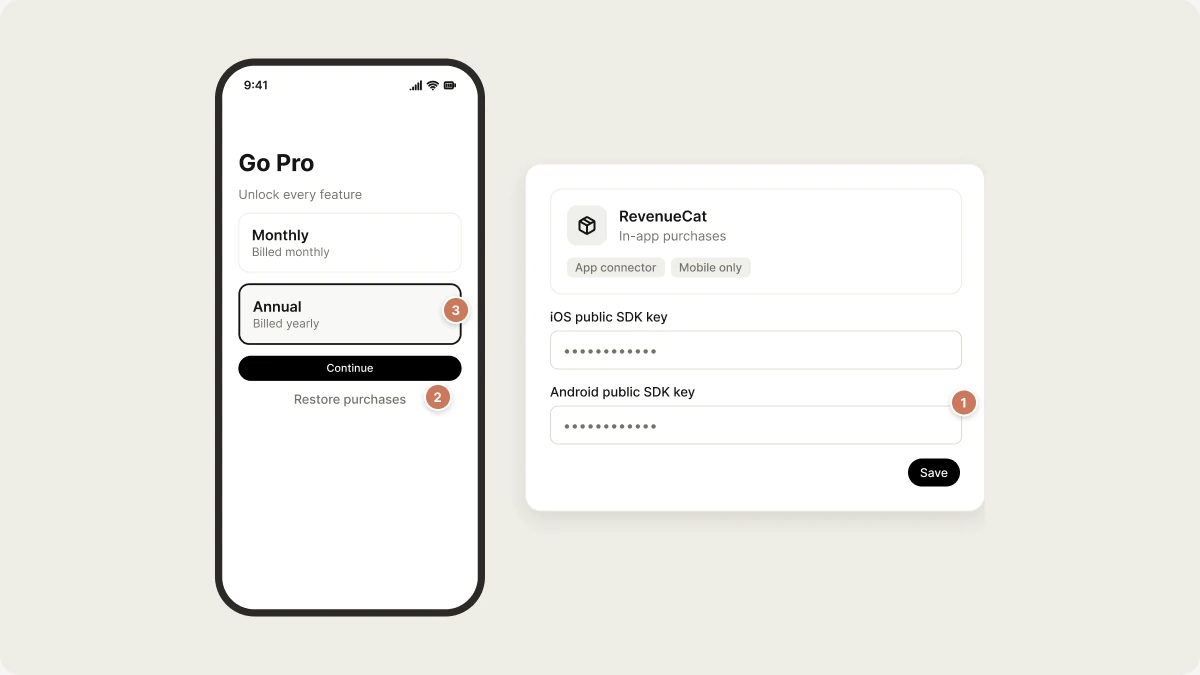
In the sidebar, go to Customize → Connectors, select RevenueCat, and click Add connection. Paste the two keys and save.
3
Ask for the paywall
In your mobile project’s chat, describe what you want, for example
Add a Pro subscription and gate the export screen.EXPO_PUBLIC_REVENUECAT_IOS_KEY and EXPO_PUBLIC_REVENUECAT_ANDROID_KEY. The EXPO_PUBLIC_ prefix is intentional: these keys are public, scoped to one app each, and designed to ship inside your app.
What Vibely adds to your project
src/lib/purchases.ts, with helpers to load the current offering, buy a package, restore purchases, and link purchases to the signed-in user.src/hooks/use-entitlement.ts, a hook that gates your UI and updates as soon as a purchase, restore, or renewal happens.- Setup in
src/app/_layout.tsx, so RevenueCat starts when the app opens. Vibely also links purchases to your user on sign-in and clears them on sign-out, so purchases follow the account rather than the device.
Limitations
- No purchases in Expo Go. Expo Go has no StoreKit or Play Billing, so purchase calls do nothing and the paywall appears empty. That’s expected. Test with a development build or a store build. See Ship your app.
- Mobile only. Vibely doesn’t add RevenueCat to web projects.
- Products come from the stores. Create them in App Store Connect and Play Console first. RevenueCat imports them; it doesn’t create them.
Troubleshooting
The paywall is empty
The paywall is empty
You’re probably in Expo Go, which can’t load store products. Otherwise, check that your offering contains packages, and that the products have finished review in App Store Connect.
A purchase succeeds but nothing unlocks
A purchase succeeds but nothing unlocks
The app checks the entitlement ID, not the product ID. In the RevenueCat dashboard, make sure the product is attached to the entitlement your code checks (for example
pro).Manage or disconnect RevenueCat
Open Customize → Connectors → RevenueCat to see or remove the connection. The generated code stays in your project. Active subscriptions are held by Apple and Google. Your customers cancel them in their store account. Disconnecting RevenueCat in Vibely doesn’t cancel or refund anything.Related
Stripe
Web payments and physical goods.
Ship your app
Build and submit to the stores.
Payments
Choose how your app takes money.
Connectors
How connectors work.