
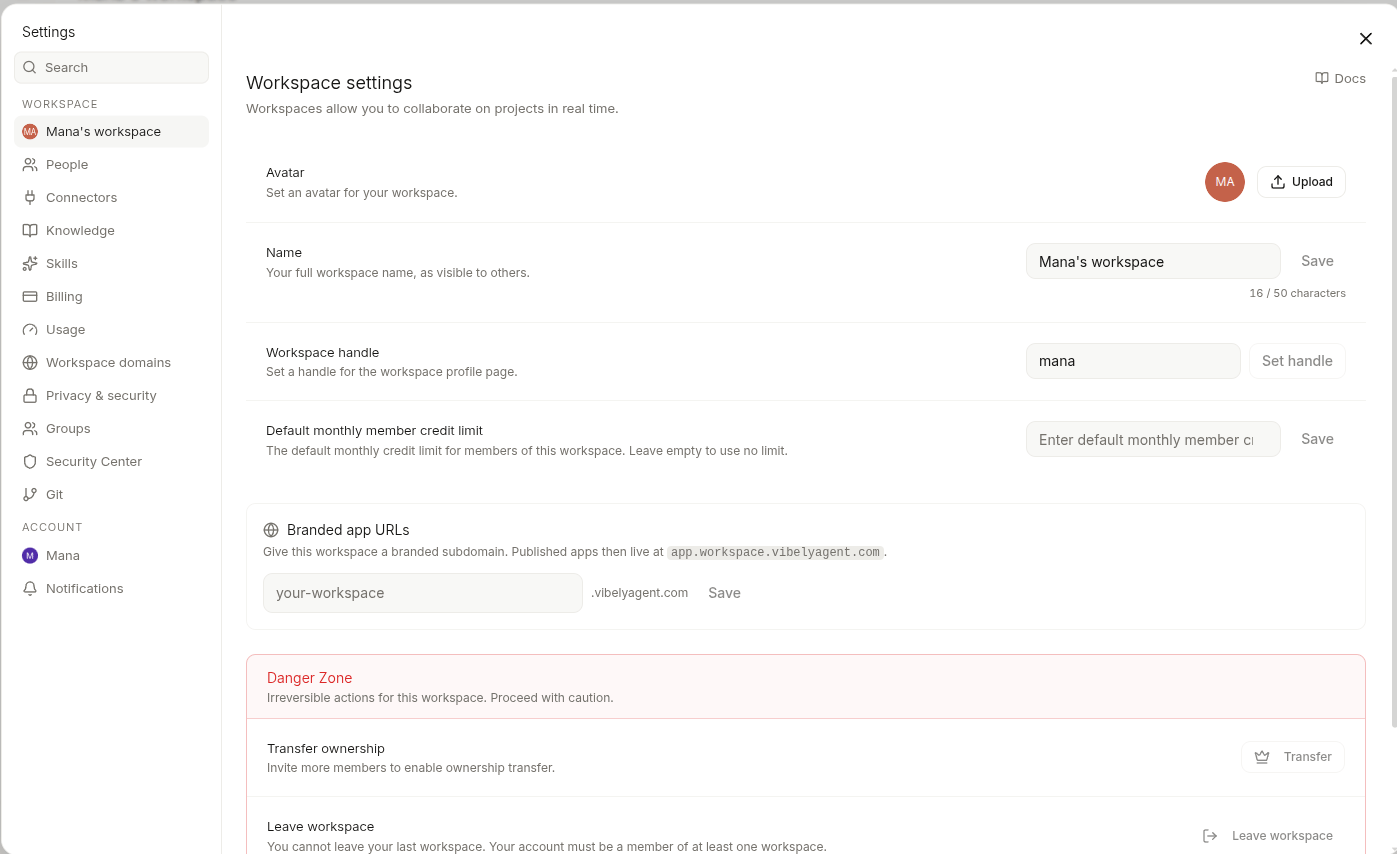
Identity
Workspace handle is one-shot — once claimed, you can change it but the old handle becomes available to others within 30 days. Plan accordingly if you’ve already shared links.
Visibility
Workspace profile visibility has two modes:- Public — name, avatar, workspace handle, and published-project list are visible at
vibely.sh/@<handle>. Anonymous visitors can see your shipped builds. - Private — none of the above is reachable without auth. Members can still see everything internally.
Invite behaviour
Two account-level settings affect how invites flow through your workspace:- Auto-accept invitations (Account scope, per user) — when on, an invite to a workspace adds you immediately on the next sign-in instead of pinging you for explicit accept. Most useful if you bounce between many client workspaces in an agency setup.
- Invite-only signup (Workspace scope, admin) — when on, only invited emails can join. When off, anyone with a workspace join link can sign up.
Branding the generated apps
This page is about your Vibely workspace identity — what shows up in the dashboard, in URLs, in the sidebar. It does not affect the apps you generate. A published build atyour-app.vibelyagent.com ships with whatever branding the agent put in the code — favicons, meta tags, OG images. Edit those in code or prompt:
“Set the favicon, OG image, and meta description to use [paste your assets / brand].”Custom domains for published apps live under Web App Mode → Publish.
What admins control vs members see
For who-can-do-what across roles, see Workspace → People.
Deleting a workspace
Admin-only, irreversible, takes 30 days to actually purge from backups.- Every project in the workspace is archived (read-only) for the 30 days, then deleted.
- Connector OAuth tokens are revoked immediately at the third party.
- Published custom domains return 404 within an hour.