
Sign up
1
Open the sign-up page
Go to vibely.sh and click Login.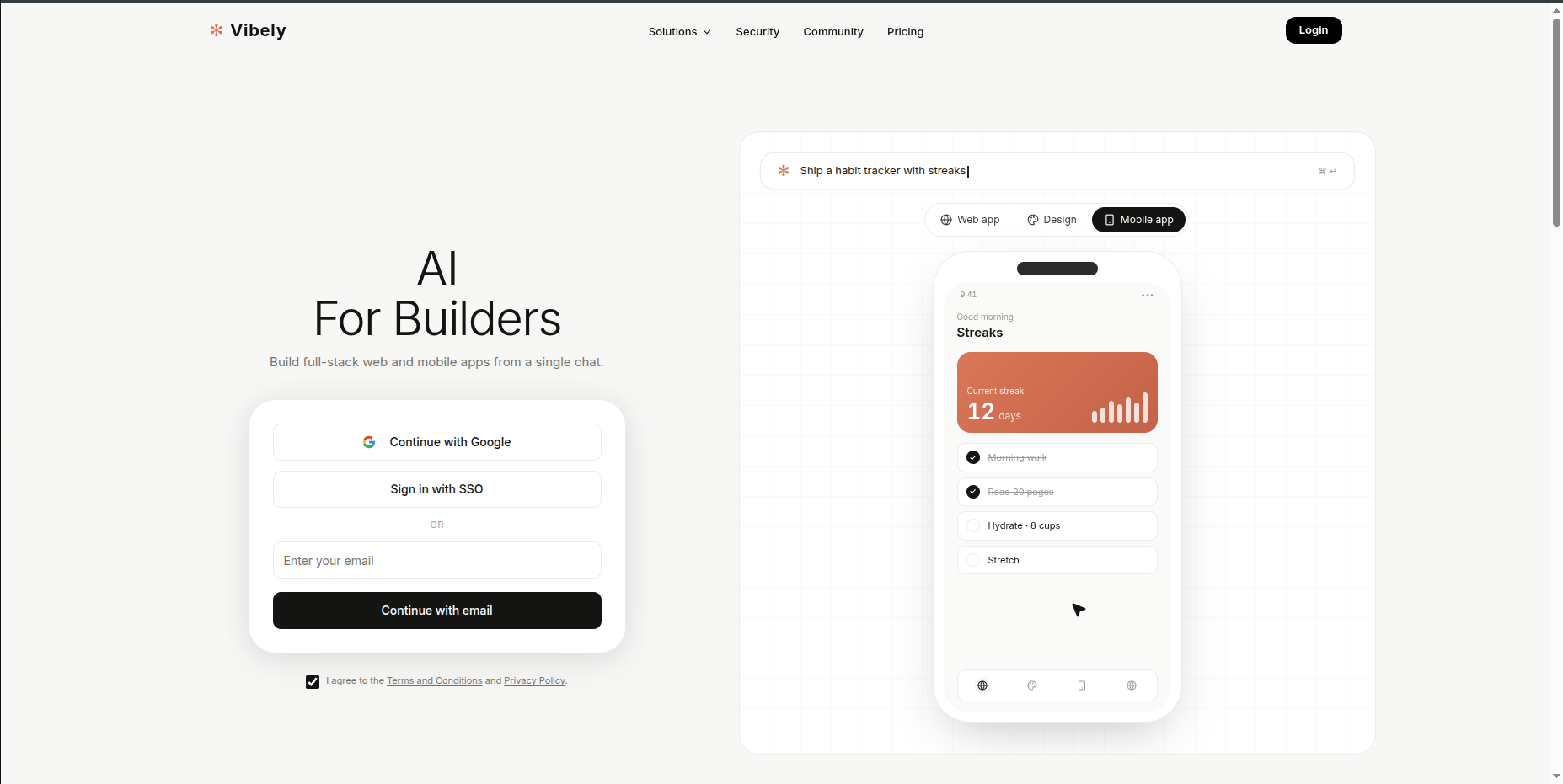
2
Sign in with Google, SSO, or email
Google is one-click. SSO (Okta, Google Workspace, Microsoft Entra) lets your IT-managed identity log you in if your workspace has SSO configured. Email-and-password works if you’d rather not link a provider — Vibely sends a verification link to confirm.
3
Pick a plan
Free is the default. Pro and Business are options if you need more credits or are inviting people from day one. You can upgrade or downgrade any time.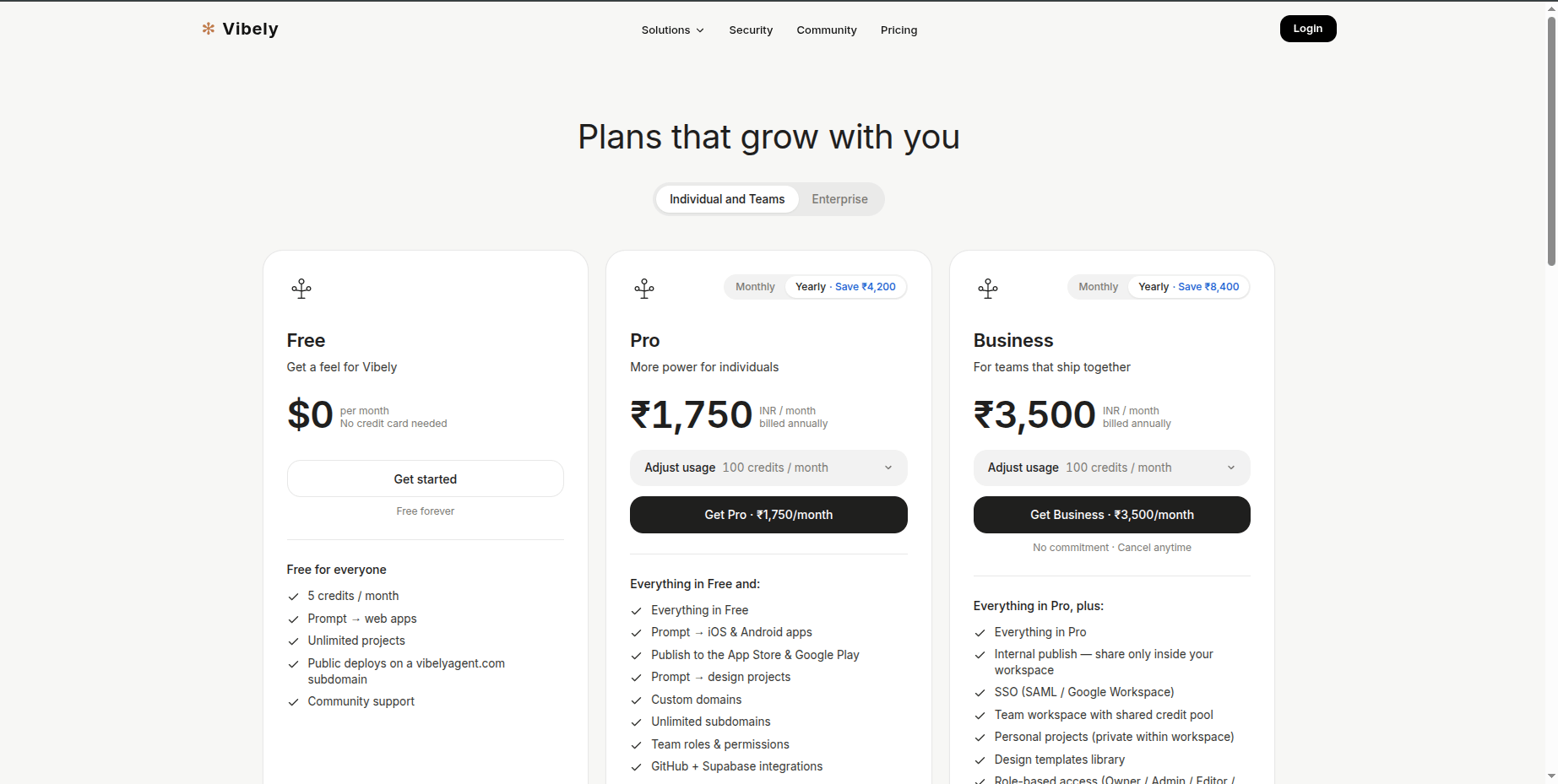
4
Land in your workspace
Vibely drops you into your personal workspace with a starter project. Type your first prompt to start building — see Quick start.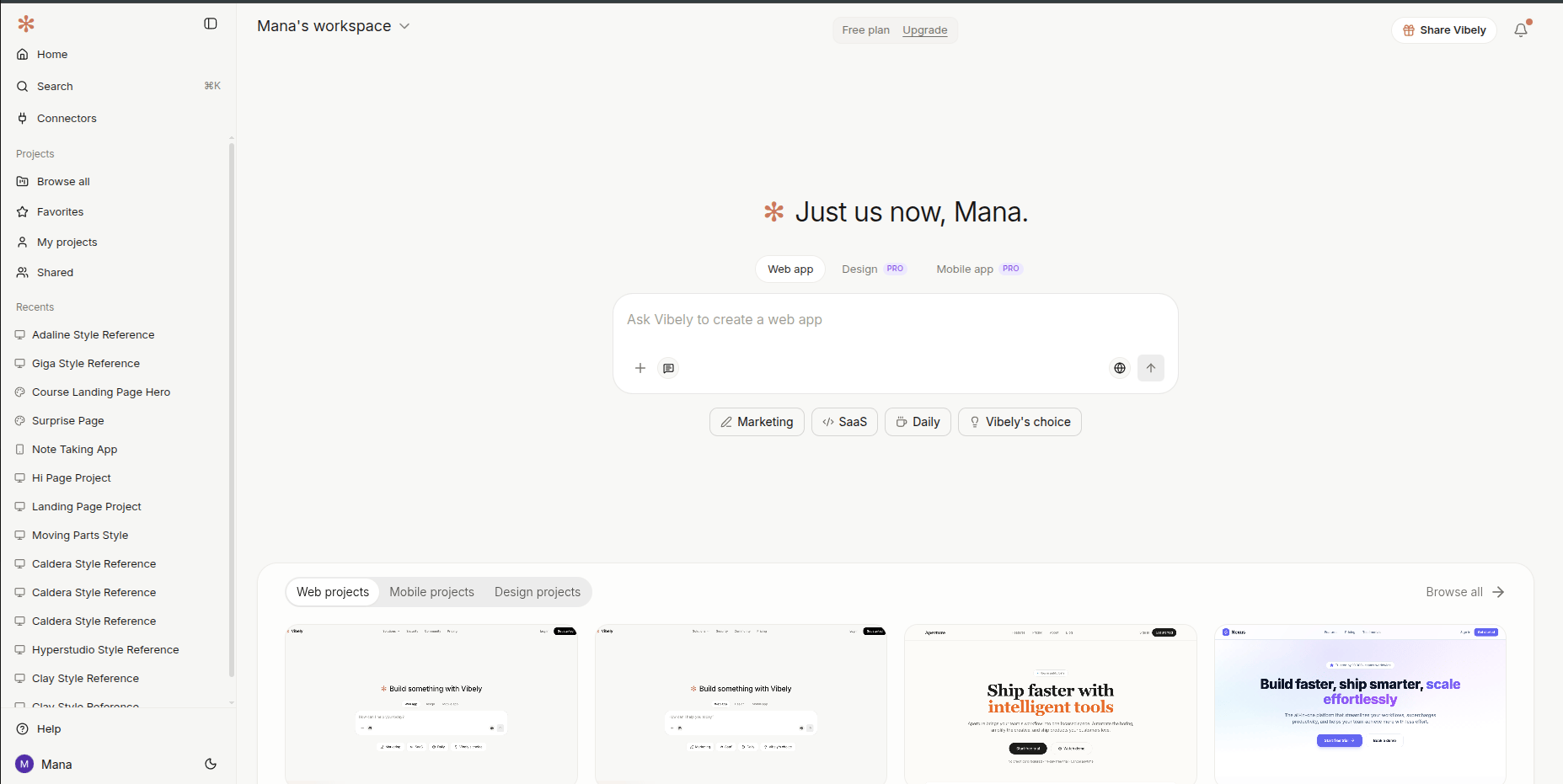
What you get out of the box
Your personal workspace is ready to use immediately. The defaults work for everything most people do; you don’t have to configure anything on day one.Things to set up later
None of this is required on day one. Most people come back to these after their first or second project, once they have a clearer sense of what they actually need.- Connect Supabase — or skip it. When you start a project, Vibely asks if you want to connect Supabase. You can skip and keep building with mock data — perfect for prototypes, demos, and validating an idea fast. Or connect Supabase to get real persistent data, auth, and row-level security wired in automatically. You can switch from mock to Supabase later in a single turn — just ask the agent.
- Rename your workspace. “Nishant’s Workspace” is fine for solo work, but worth renaming the moment you invite teammates.
- Connect GitHub. Two-way sync per project — review changes as PRs, branch freely, and take the code anywhere. See Project settings → GitHub.
- Invite teammates. Add collaborators with role-based access — Owner, Admin, Editor, Viewer. (The Admin role is available on Pro and Business.) See People.
- Author a skill or two. Codify the way you build a landing page, the way you ship a CRUD admin, the way you set up a deploy. Skills are invokable from the composer with
/skill-name. See Skills.
Next
Quick start
Build your first app in five minutes.
Your first week
A one-thing-per-day arc from sign-up to shipping.
Plans and credits
What you’ll pay for, and how to keep an eye on usage.
Customize Vibely
Five-minute setup that pays back every future session.