
*.vibelyagent.com URL or your own custom domain.
bun install && bun run dev. No DSL, no proprietary runtime, no lock-in.
Quickstart
Build your first web app in under 5 minutes.
What's in the box
The full stack and starter setup every project ships with.
Iterate
Edit, refine, and add features after the initial build.
Publish
Custom domains, branded URLs, deploy history, rollback.
What you get
Every Web App project starts on the same opinionated stack. Anything below is pre-installed — nonpm install step between you and your first prompt.
The list above is the contract — the agent treats your
package.json as source-of-truth and never reinstalls these. Anything else (radix extras, drag-and-drop kits, rich-text editors, table libraries) gets added on demand when you ask for a feature that needs it.
Full breakdown including what lands automatically vs on-demand: What’s in the box.
Prompt inputs
A text prompt is the minimum — but the composer also lets you attach references and starting code so the first build lands closer to what you want.- Reference URL — paste a link to a site whose layout, tone, or flow you want as inspiration. The agent fetches it and uses it as a visual reference.
- Image / file upload — drop in a screenshot, mockup, mood board, logo, or PDF. The agent reads it and matches the style or content.
- DESIGN.md upload — bring in an existing DESIGN.md and the app generates against your colors, typography, spacing, and component patterns.
- Import from Design Mode — if you came from Design Mode → Make it real, the chosen design lands as your starting code; the build agent picks up the design tokens automatically.
- GitHub import — connect a repo and Vibely clones it as the starting point. The agent edits the existing codebase instead of scaffolding fresh.
- Color palette — pick or paste a palette; the generated app uses it instead of inventing one.
- Connectors — mention any service by name in the prompt (Slack, Stripe, Supabase, Resend, etc.) and the agent wires it in. See Connectors.
Features
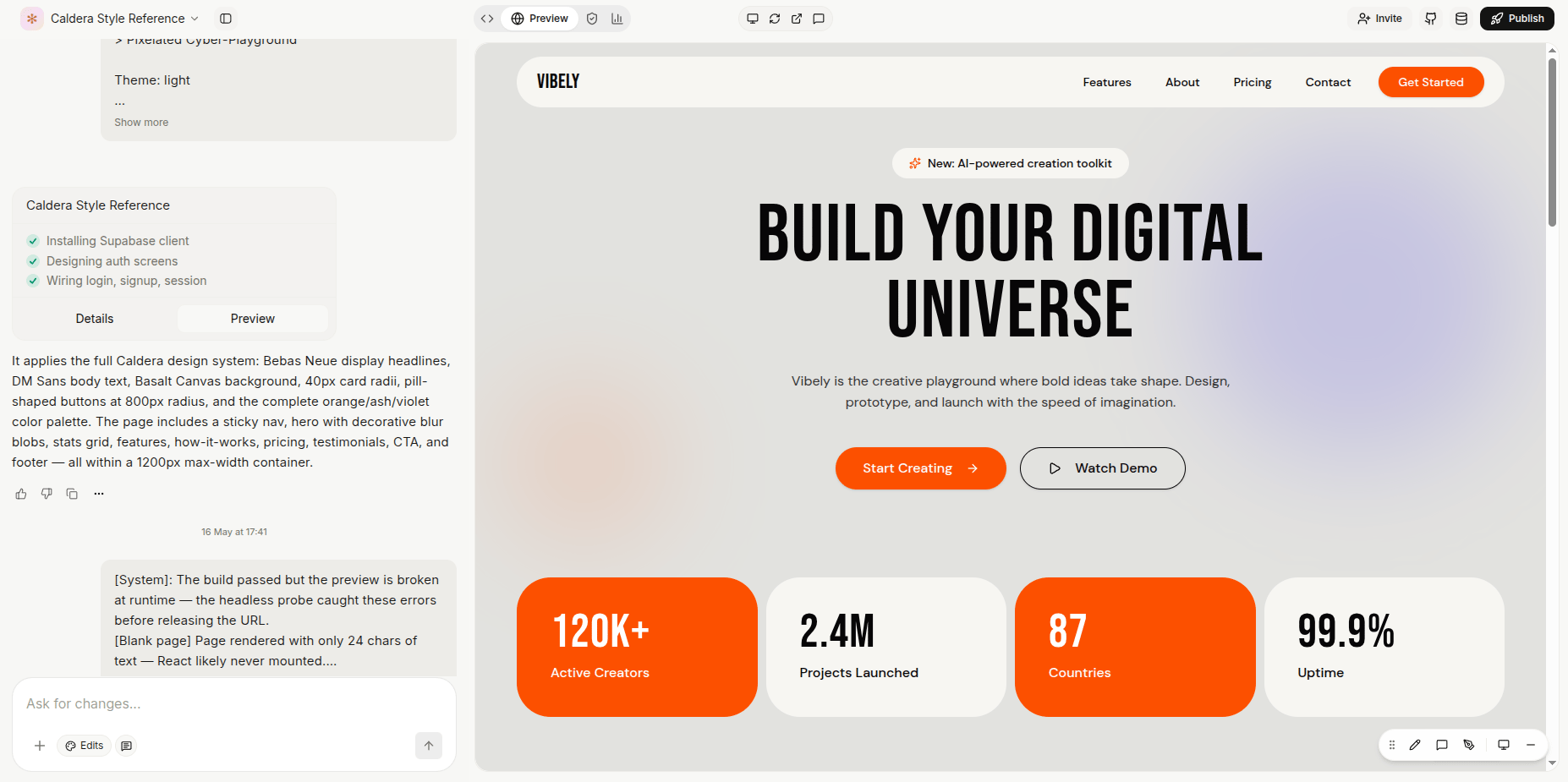
Live preview with hot reload
The right pane shows the running app, not a screenshot. Click around while the agent is still working — routes, forms, and buttons behave like real software because they are real software. Hot module reload updates the iframe within milliseconds of each file save.Visual edits
Click any element in the preview and type a change — “make this CTA bigger and orange,” “move the sidebar to the right.” The agent patches just that element, no full re-think. Faster than describing a layout in words.Plan mode
A read-only reasoning pass. The agent can search, read, and reason but cannot modify files. Prompt “plan how we’d add multi-tenancy” and you get a write-up; when it looks right, prompt “go ahead and implement that” and the full toolset unlocks.Backend (Supabase)
Mention auth, a database, file uploads, or anything server-side and Supabase gets wired in automatically — auth flows, schema migrations, row-level security policies, storage buckets, Edge Functions. You don’t see a “set up your database” step; it’s just there. The default backend is a managed Supabase project. Bring your own Supabase by linking it from project settings — useful when you want the data in an account you fully control.Payments
Stripe (global) and Razorpay (India) wired through Connectors. Subscriptions, one-time payments, webhooks, the receipt page — generate the full flow in one prompt.Connectors
40+ third-party services wired by prompt — Slack, Gmail, Linear, HubSpot, Notion, Shopify, BigQuery, Stripe, Razorpay, and more. Prompt “when a user signs up, post their email to #new-users in Slack” and Vibely picks the right connector, handles the OAuth dance, and writes the code.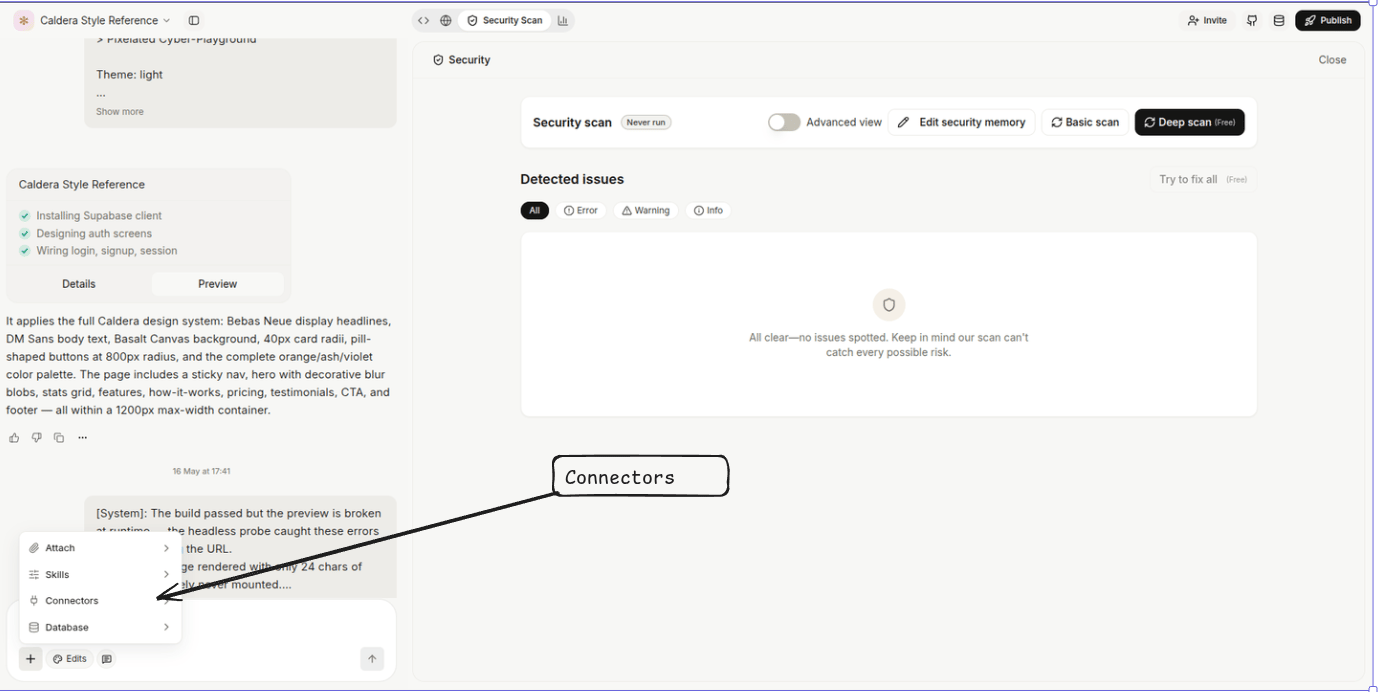
Environment variables & secrets
Per-project key / value store for runtime configuration — API keys, feature flags, third-party tokens.- Add, edit, and delete from Settings → Environment.
- Secret values are encrypted at rest, masked in the UI, and never round-trip to the browser or appear in logs.
- A handful of Vibely-injected variables (gateway URL, AI key, Supabase project credentials) appear as read-only so you can’t accidentally delete what the agent depends on.
- On a key collision, project-level values beat workspace-level.
Project sharing & collaborators
Invite individuals to one project with per-project roles (Admin / Editor / Viewer), independent of their workspace role. Or generate a Shared link with a fixed role (Editor or Viewer) that anyone with the link can use to open the project. Effective permission = max(workspace role, project role, Team access). The more-permissive grant wins.Public remixing
Toggle on to let anyone with the preview link open the project without signing in. Useful for prototypes, hackathon submissions, and clickable templates. Turning it off purges the edge cache within about a minute.Custom domains
Add a subdomain (CNAME to the Vibely apex) or an apex domain (anycast A record, or CNAME-flattening if your DNS host supports it — Cloudflare DNS, Namecheap, DNSimple, ClouDNS). Status progresses pending → cert pending → active; TLS provisions automatically.Branded subdomain (Business)
The default share URL ishttps://<short-id>.vibelyagent.com. On Business, admins can swap the short ID for the workspace slug, so links become https://acme.vibelyagent.com/<project> instead. Per-project custom domains still work on top.
Auto-deploy from GitHub
Connect a repo and Vibely picks up commits to the live branch via webhook — a deploy is kicked off automatically. These deploys count toward credit usage just like in-app builds.Deployment history & version rollback
Every build is a row in Deployment history with status (queued / building / ready / failed), trigger, and live URL. Click any prior ready deployment to reactivate it — no rebuild required.Publish title & description (OG meta)
Set per-project title and description from publish settings; Vibely emits them as Open Graph metadata so the published site previews well in Slack, iMessage, and social. Social caches can lag for an hour or two after a change.Security scans
Project-level scanners run on demand and after every build, covering RLS gaps, database hygiene, code, and dependencies. Findings have a severity (error / warning / info) and link to the offending file or row. The same scan runs as a pre-deploy gate before publish.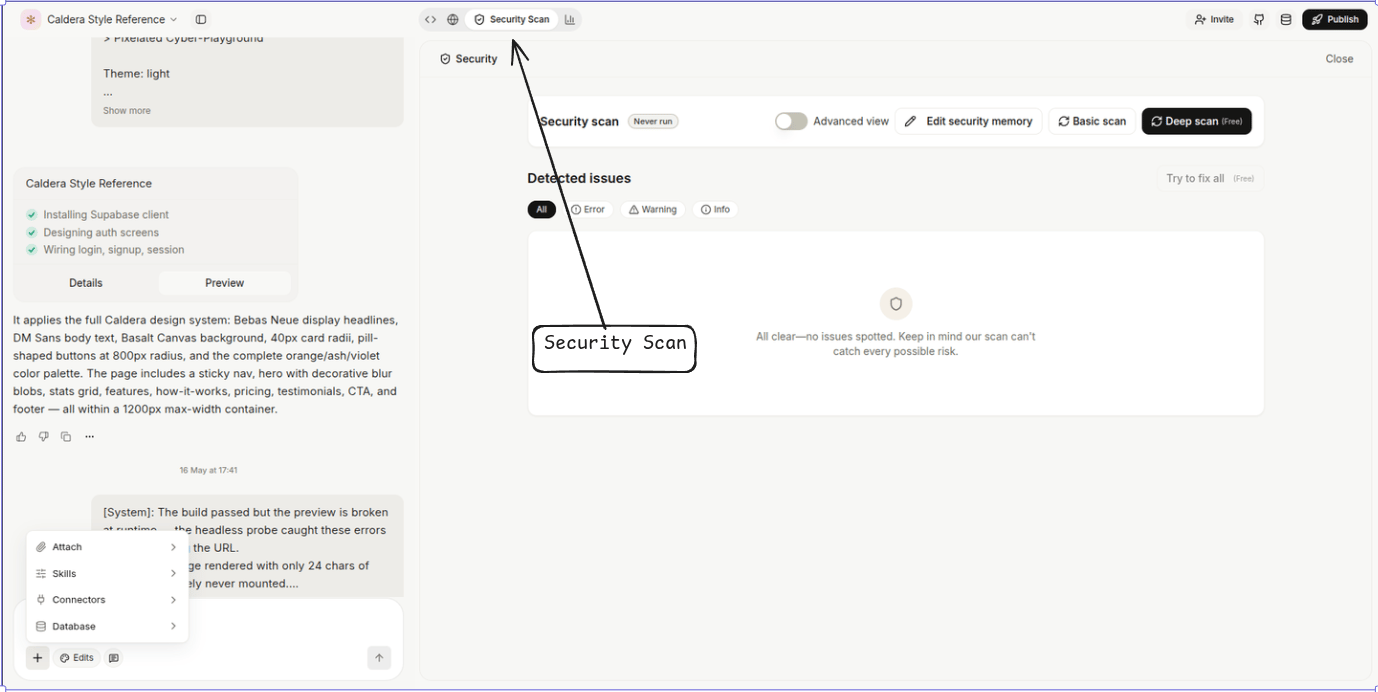
Marketplace publishing
Publish a project as a public template anyone on Vibely can install. Vibely automatically strips sensitive files on publish:*.env, common credential files (credentials.json, serviceAccountKey.json, *.pem), and anything whose path contains secret.
Project thumbnails
Vibely auto-captures a thumbnail from the live preview after every build and shows it on the dashboard. You can trigger a manual recapture from project settings if the auto shot misses the right state.Take the code anywhere
Sync to GitHub from project settings. The repo is real Vite + React + TypeScript: clone it, runbun install && bun run dev, and you have the project working locally without Vibely. Re-import via Connect GitHub to keep edits in sync both ways.
Plan & credit notes
A condensed view of what’s gated and what each turn costs. Full pricing in Plans and credits.
Credit cost per turn (rough): build / agent turns clamp to 0.5–2 credits; chat and plan turns are a flat 1 credit. Tool calls add a small surcharge (image generate, video, web scrape). The composer shows an estimate before every run.
Monthly grant: Free 5 · Pro 100 · Business 100 (shared). Free is also capped at 100 builds / month.
What you can build
- SaaS dashboards — admin panels, internal tools, customer-facing dashboards
- CRUD apps — anything with users, data, and roles
- Marketplaces — listings, search, messaging, payments
- Landing pages and microsites — fast, polished, deployable in a day
- Internal tools — operations dashboards, back-office workflows
- AI-powered apps — chat interfaces, RAG, image generation, agents
Limits & constraints
The honest list of hard edges so you don’t run into them mid-build.- SPA only by default. Every project ships as a Vite SPA. The agent can refactor into Next.js / Remix if you ask, but it changes the deploy story — the default Vibely host expects a static SPA build.
- The sandbox is dev-only. It runs
vite devfor the live preview; production = Publish, which runsbun run buildand deploys to the chosen target. - Slug rules. Project slugs must match
^[a-z0-9][a-z0-9-]{1,61}[a-z0-9]$— 3–63 chars, lowercase letters/digits/hyphens, can’t start or end with a hyphen. Reserved:www,api,app,admin,auth,login,dashboard,docs,support,billing,cdn,static,assets,internal, and similar. Changing a slug breaks every existing share URL. - Indexer skips files > 200 KB. Large generated files, lock files, and binary blobs are excluded from the agent’s code search. Keep prompts focused on smaller source files.
- Invite throughput. 20 collaborator invites / hour / user. Normal use won’t hit it; bulk-onboarding scripts will.
- Self-heal budgets. Build-failure retry budget = 2 attempts; auto-verify shared budget = 5 attempts across a turn. Past the budget, you’re back in the loop to decide what to do.
- No long-running workers (in the box). For scheduled jobs and durable workflows, the agent will wire Supabase Edge Functions or an external worker via Connectors.
Troubleshooting
What’s NOT here yet
We’d rather you know what’s missing than discover it mid-build.- Server-side rendering — no SSR / RSC out of the box. The agent can refactor in that direction, but the default deploy target expects a SPA build.
- Long-running background workers — no built-in cron / worker host. Use Supabase Edge Functions or wire an external service via Connectors.
- Native desktop — Web App Mode is browsers only. For desktop, generate a web app and wrap in Electron or Tauri.
- Folders, tags, or bulk multi-select in the dashboard — by design, organization is pins + recents + filter tabs only.
When to use Web App Mode vs other modes
Next steps
Quickstart
Build your first web app in under 5 minutes.
Iterate
Patterns for refining after turn one.
Publish & domains
Custom domains, deploy history, rollback.
Connectors catalogue
Every third-party service you can wire by prompt.
Project settings
Env vars, sharing, security, danger zone.
Plans & credits
Pricing, monthly grant, top-ups, rate limits.