
What lands in the inbox
- What’s new in Vibely — feature launches, model upgrades, and important platform changes (the same updates published in the Changelog, surfaced in-app as they ship).
- Workspace invitations — when someone invites you to their workspace, accept or decline from the inbox without leaving your current project.
- Project invitations — collaborators adding you to a specific project show up here too, so you don’t miss a hand-off.
- Build & deploy events — completions, failures, and publish results across your projects.
- Connector reauth prompts — Slack, Stripe, GitHub, and other connectors expiring or needing re-consent.
- Billing & credit alerts — thresholds crossed, top-up confirmations, plan changes.
- Comments and mentions — replies on your threads, mentions in someone else’s, resolutions.
What’s New / Announcements feed
The bell drops a small unread dot when a new platform announcement lands. The feed inside is what Vibely’s team publishes — feature launches, model upgrades, important platform changes — and it’s the same stream you’ll see at the public/changelog. Open the bell to clear the unread dot; the items stick around so you can scroll back.
This is the right surface for “what shipped this week” — not email, not the Slack of your choice.
Channels
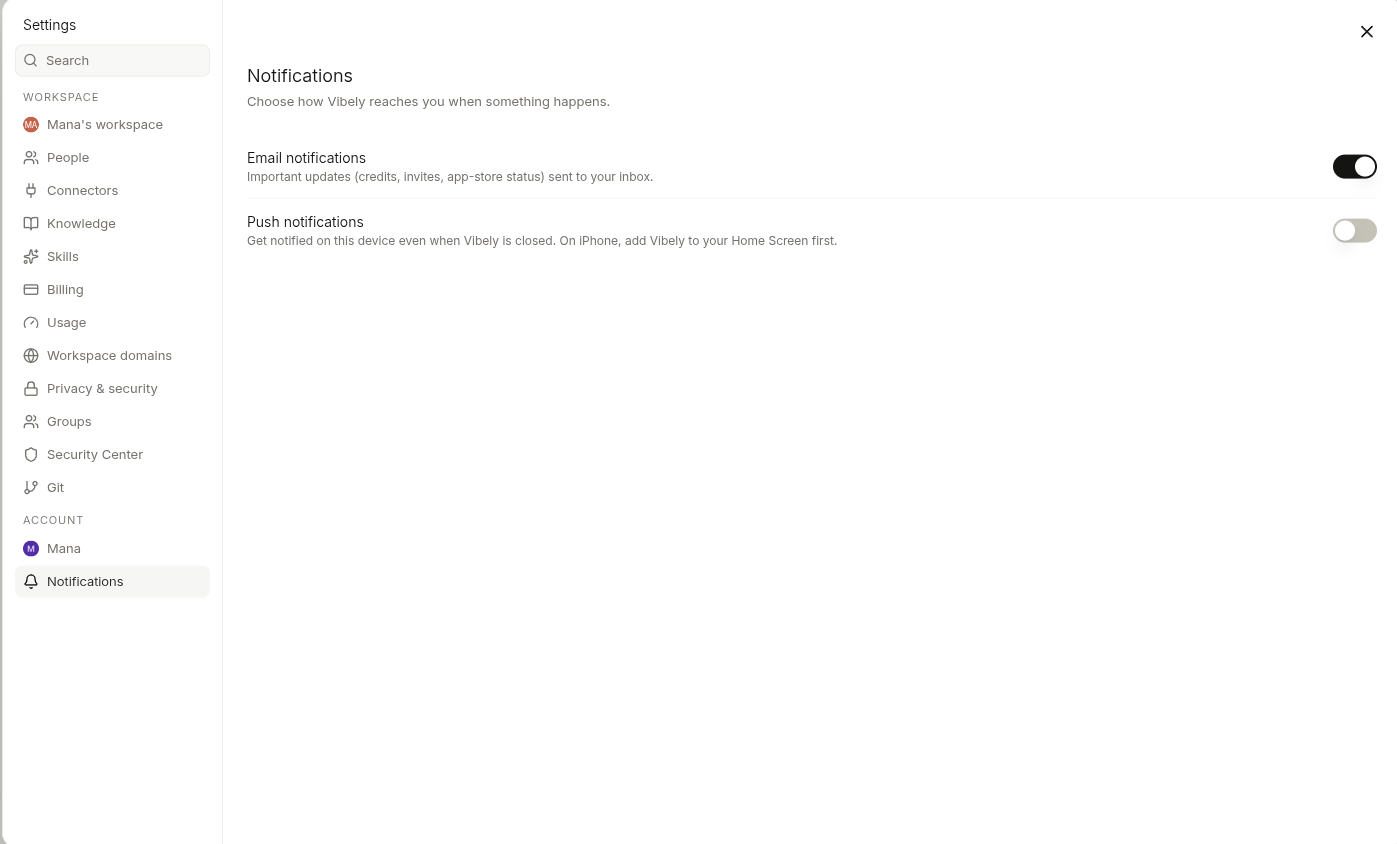
Vibely has three notification channels. Each event can be routed to any combination of them — including none.
Change them in Settings → Notifications.
What can fire
The full set of events Vibely will notify on:
Each row is independently toggleable. Turning off “Build completed” doesn’t touch “Build failed” — most people keep failures noisy and successes quiet.
Sensible defaults for common roles
If you don’t want to think about it, copy one of these: Heads-down builder — only failures and connector reauth:Push notifications
Push requires browser permission. The first time you toggle any push row on, Vibely asks for permission. Deny once and most browsers will silently block future asks — re-enable via your browser’s site settings forvibely.sh.
Push works on:
- Desktop Chrome, Edge, Brave, Firefox
- Mobile Chrome on Android
- Mobile Safari (iOS 16.4+) only when Vibely is installed as a PWA (“Add to Home Screen”)
Email — primary vs notification
Two email addresses live on your account:- Primary email — sign-in, billing receipts, security alerts. Always-on, can’t be muted.
- Notification email — everything in the table above. Defaults to your primary; change it if you want notifications routed to a personal address while billing stays on a corporate one.